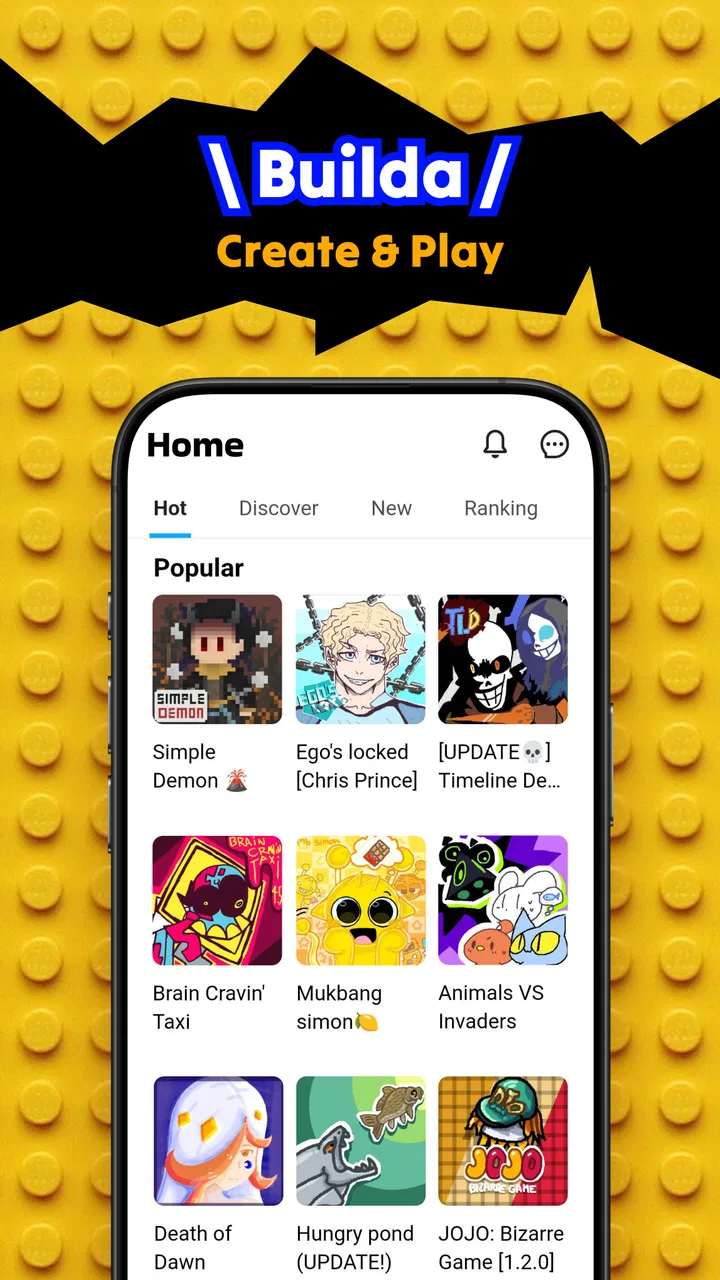
Builda - Create and Play
- 4.0
- Rating
- 5.00M
- Installs
- Free
- Price

 Analysis by App-foxy
Builda - Create and Play is an education app from Hortor Interactive that takes a more hands-on route than a typical learning tool. Instead of asking me to read through lessons or answer a fixed set of quizzes, it puts the focus on making a small world, drawing characters, and bringing those characters to life through animation. That creative loop is the reason I found it interesting: I was not only consuming content, I was deciding what to build and how it should behave.
It is free to install and suitable for Everyone, which makes it approachable for families, younger learners, and curious adults who want a gentle introduction to visual creation. The app has reached over five million installs and holds an average of 3.7 from around forty-four thousand ratings, so it has clearly attracted a substantial audience while still leaving room for mixed experiences. My overall impression is that Builda works best as a playful first step into animation and interactive design, rather than as a replacement for a full game engine or a structured programming course.
How Builda feels in everyday use
The first thing I noticed is that the app turns the blank page into the starting point. You can sketch a character, shape a setting, and gradually think about how the pieces fit together. That is a useful change of mindset for a child who may lose interest in a conventional lesson. The task is no longer “learn this concept because it is on the syllabus”; it becomes “make this scene work because I want to see it come alive.”
You May Also Like

 Blood Strike: 2.5 Anniversary
Blood Strike’s Loadouts Turn Every Drop Into a Tactical Gamble
A close look at Blood Strike’s custom loadouts: how fast access to signature weapons reshapes its battle royale rhythm, rewards preparation, and narrows the gap between fights.

 Pandora - Music & Podcasts
Pandora’s Music Is Easy to Start, but Harder to Recover
Pandora’s strength is its low-effort path from a seed to a station. Its weak spot is how much confidence it asks you to place in connection, setup, and quiet recovery.

 8 Ball Pool
 Is Built on Rivalries, Rematches, and Routine
A close look at the rivalries, rematches, shared routines, and unanswered safety questions that turn a quick pool match into a persistent mobile community.

 Samsung Music
’s Quiet Strength Is Playing What You Already Own
Its reach comes less from spectacle than from dependable access to a personal library. That simplicity is both the app’s strongest retention engine and its ceiling.

 AccuWeather: Weather Radar
AccuWeather Review: A Quick, Clear Forecast for Everyday Decisions
For everyday plans, the best forecast is the one you can understand quickly. AccuWeather makes rain timing, radar, and local conditions easy to act on, with a few trade-offs.

 Hill Climb Racing
Why Hill Climb Racing Still Turns Crashes Into One More Run
A tiny car, a bumpy hill and one more upgrade: Hill Climb Racing keeps resurfacing because its simple chaos makes every near-miss feel personal.
More From Our News Desk



Drawing and animation are closely connected here. A character is not just an illustration to admire. It becomes something to adjust, test, and place inside a personal world. That connection helped me understand why the app belongs in the education category even though it often feels like a creative toy. It encourages planning, visual communication, sequencing, and patient revision without presenting those skills in an intimidating way.
A realistic use case would be a child spending a short period after school creating a character for a simple story. They might begin with a rough figure, add a background, and then experiment with movement. The result does not need to be polished. The valuable part is the sequence: imagine an idea, build it, notice what looks wrong, and change it. I would encourage parents to ask the child to explain the choices rather than judging the final picture. That conversation turns casual play into a small design exercise.
For an adult beginner, the appeal is different. Builda can serve as a low-pressure way to explore whether animation feels enjoyable before investing time in complicated desktop software. I would not use it to produce a professional project, but I would use it to test visual ideas quickly. The limited environment can actually be helpful at the beginning because it prevents the endless options found in advanced creative programs from getting in the way.
Creation is the lesson, not a separate activity
The strongest educational value comes from the decisions hidden inside the creative process. Drawing a character requires attention to shape and recognisable details. Animating that character requires an understanding of order and timing. Building a world asks the user to think about context: where does the character belong, and what should the viewer notice first?
These are practical skills, but Builda presents them in a form that feels immediate. I could see it being useful in a classroom activity where students create a visual explanation of a story, a historical setting, or an imaginary environment. The teacher would still need to provide the learning goal, because the app itself is not a complete curriculum. Its strength is giving students a place to express and test what they have understood.
The most useful habit is to start with a tiny scene rather than attempting an entire world at once. One character, one setting, and one clear action make it easier to see how drawing and animation work together. Once that small scene feels understandable, adding detail becomes more purposeful. Starting with a huge project can make the creative freedom feel like a burden.
What the current version says about the product
The current version is 1.68.0, and the app was released on October 1, 2025. Those details matter because Builda is still a relatively young product rather than an old, settled creative platform. I see its present form as an evolving foundation: the central idea is already clear, while the long-term depth will depend on how Hortor Interactive continues to refine the experience.
I would be careful about treating the version number as proof that every rough edge has disappeared. A newer build can show ongoing maintenance and development, but it does not automatically mean the app has the breadth of mature animation software. In practical terms, I would install it with the expectation of a focused creation environment, not a complete production suite.
The store summary describes a tool for making a game and world, drawing characters, and animating them. In use, that combination gives the app a distinct identity. It sits between a drawing app and a game-making tool, but it does not feel like either one in the full professional sense. That middle ground is its main opportunity and also its main limitation.
Existing users should notice that the product’s direction is easy to understand even when individual details change over time. The core promise is not based on a single lesson pack or a temporary challenge. It is based on a creative workflow. That means work created today has more value when the user develops reusable habits: sketching clearly, keeping scenes manageable, and testing movement before decorating everything.
How it compares with familiar alternatives
Compared with a standard drawing app, Builda gives the artwork a reason to move and exist inside a world. A drawing application may offer more freedom for painting, brushes, or detailed illustration, but it usually does not make interactive storytelling the centre of the experience. If the goal is a finished digital painting, I would choose the dedicated art tool. If the goal is to see a character act inside a scene, Builda is the more relevant choice.
Compared with a coding-based game maker, Builda is less intimidating for a first encounter with creation. Traditional game-making tools can teach deeper logic and offer more control, but beginners often spend their first sessions learning the interface rather than expressing an idea. Builda’s visual approach lowers that initial barrier. The trade-off is that anyone seeking complex rules, advanced systems, or a path toward serious game development will eventually need something more powerful.
It also differs from educational apps built around right and wrong answers. Those apps are better when a learner needs repeated practice in a defined subject. Builda is better when the objective is exploration, communication, and creative problem-solving. I would not choose it as the only tool for teaching mathematics, reading, or science. I would choose it as a project layer that lets a learner demonstrate understanding in a visual way.
Parents should also distinguish between independent play and guided learning. A child can explore alone, but the educational benefit becomes clearer when someone asks questions such as “Why did you put that character there?” or “What needs to happen first?” Without that reflection, the app may remain enjoyable but less meaningful. That is not a flaw so much as a reminder that creative software does not automatically become a lesson.
Small workflows that make the experience better
I found that planning before drawing saves frustration. A quick mental outline of the scene helps prevent the common beginner problem of creating attractive pieces that do not work together. I would decide on the character’s purpose, the setting, and the one action the viewer should understand. Only then would I add extra decoration.
Another useful approach is to treat animation as an experiment rather than a final step. Make the simplest movement first, check whether it communicates the intended action, and then refine the drawing. This order is more efficient than spending a long time polishing a character before discovering that the movement is unclear.
For families, saving a few minutes at the end of a session for a verbal walkthrough can reveal more than the finished scene. Ask the creator to describe what happens from beginning to end. If the explanation is confusing, that usually points to a design issue that can be fixed in the next session. This turns Builda into a gentle exercise in storytelling and organisation.
For teachers, I would set limits around the assignment. “Make anything” sounds creative, but it can overwhelm students. A prompt such as showing a character solving a problem or illustrating the beginning, middle, and end of a short story gives the creative tools a clear purpose. The app then supports the lesson instead of competing with it.
A final tip is to keep expectations visible. The app is most rewarding when progress is measured by clarity and experimentation, not by professional-looking art. A rough animation that communicates an idea is a better learning result than a detailed scene that never becomes understandable.
Where the experience still has friction
The same freedom that makes Builda inviting can make it feel under-directed. Users who expect a guided course may open the app and wonder what they should build first. I would not recommend it to someone who needs a strict sequence of lessons, formal assessments, or a clearly defined curriculum. In those cases, a structured education platform will provide a more dependable path.
There is also a natural ceiling to a simplified creative environment. Beginners may appreciate the focused workflow, but experienced artists and game designers are likely to want finer control than the app is designed to provide. If you already work comfortably with professional illustration or game-development software, Builda may feel more like a sketchbook for ideas than a serious replacement.
The free entry point is welcome, but users should remember that in-app purchases range from ninety-nine cents to ninety-nine dollars and ninety-nine cents per item. I would involve a parent or account holder before allowing purchases, especially on a shared device. The app is free to start, yet “free” should not be confused with every possible part of the experience being without cost.
The 3.7 average also suggests that the experience is not universally smooth for everyone. I would read that as a reason to approach it with realistic expectations rather than as a rejection of the concept. Builda has a clear creative purpose, but the best fit depends on how much direction, depth, and control the user expects.
Device compatibility is relatively broad because the minimum operating system is Android 7.0. That makes it accessible to many older Android devices, although the quality of any creative workflow can still depend on the particular screen and hardware. A larger display is likely to be more comfortable for drawing than a small phone, while a touch-focused device can make quick edits feel more natural.
Who should try it, and who should skip it
I would recommend Builda to children who enjoy drawing but need a reason to think about sequence and movement. It is also a good match for parents looking for a creative activity that can lead to conversation, and for teachers who want students to present ideas through simple animated scenes. Adult beginners curious about visual storytelling may appreciate the low-pressure starting point as well.
I would be more cautious if the user wants a complete programming education, professional animation output, or advanced game production. In those situations, the app may be a useful introductory companion, but not the main tool. Someone who dislikes open-ended projects may also find it frustrating because the app’s value depends on choosing an idea and developing it.
It is worth trying for free before deciding whether the creative approach suits you. I would spend the first session making one small character and one short action, then decide whether the process feels intuitive. If that experiment is enjoyable, the app has a good chance of becoming a regular creative outlet. If the lack of a formal lesson path feels uncomfortable immediately, a more structured alternative will probably be a better investment of time.
What I would watch as Builda develops
Because the current version is 1.68.0 and the release is recent, I would pay attention to how the app’s creative foundation matures. The most important question is not simply whether more content appears, but whether new development makes the workflow clearer for beginners while preserving the freedom that makes the app distinctive.
I would also watch the balance between accessibility and depth. Builda needs to remain simple enough for a first-time creator, yet useful enough that a learner has a reason to return after the first project. Better guidance, clearer project progression, and thoughtful ways to revisit earlier creations would strengthen that balance without turning the app into a conventional course.
For current users, the best way to benefit from the app now is to treat each project as a small creative study. Keep the idea focused, test movement early, and explain the result afterward. Those habits remain useful regardless of how the product changes, and they reduce the temptation to judge success only by visual polish.
My final view is positive but measured. Builda - Create and Play is not the right answer for every educational need, and it should not be mistaken for professional animation or full-scale game-development software. What it does offer is more approachable: a playful space where drawing becomes action and an imagined world becomes something you can examine, revise, and share. For a beginner, that is a meaningful first step.
Hortor Interactive has built an app with a clear creative identity, and its free starting point makes experimentation easy. The purchase range means adults should supervise spending, while the open-ended format means learners may benefit from a prompt or a little guidance. If you want a strict lesson plan, choose another category of tool. If you want to help a child or beginner discover how images, stories, and movement connect, Builda - Create and Play is worth exploring.
FAQs for Builda - Create and Play
01What is Builda - Create and Play, and what can I do with it?
Builda - Create and Play is an innovative app that allows users to design, build, and interact with virtual worlds. Whether you're interested in crafting intricate structures or engaging in strategic gameplay, Builda offers a versatile platform for creativity and exploration. The app supports both casual play and competitive challenges, making it suitable for various types of players.
02Is Builda - Create and Play suitable for all ages?
Yes, Builda - Create and Play is designed to be family-friendly and suitable for all age groups. The app includes various modes and difficulty levels, ensuring that both younger users and adults can find enjoyable and appropriate content. Parental controls are also available to monitor and manage gameplay for younger children.
03Does Builda - Create and Play require an internet connection?
While Builda - Create and Play offers offline gameplay, certain features such as multiplayer modes and community content sharing do require an internet connection. This allows users to collaborate with others, access a wider range of user-generated content, and participate in global challenges. Offline play is perfect for solo building and practice.
04Are there in-app purchases in Builda - Create and Play?
Yes, Builda - Create and Play includes in-app purchases for additional content and features. These might include exclusive building materials, custom avatars, or special tools that enhance the gameplay experience. While the core app is free, these optional purchases can enrich your creative possibilities and interaction within the app.
05How does Builda - Create and Play ensure user privacy and security?
Builda - Create and Play prioritizes user privacy and security by implementing strict data protection measures. The app complies with all relevant regulations and provides users with control over their data. Additionally, community interactions are monitored to prevent inappropriate content, ensuring a safe environment for all users.
Pros
- Intuitive interface for easy navigation.
- Vast library of building materials.
- Regular updates with new features.
- Offline mode available for convenience.
- Engaging tutorials for beginners.
Cons
- Occasional lag on older devices.
- Limited free version features.
- In-app purchases can be pricey.
- Requires a stable internet connection.
- User community can be less active.

Builda - Create and Play
Gallery